
Placeholders
The placeholders built into every menu, and what other plugins can read back from DialogForge through PlaceholderAPI.
Built in
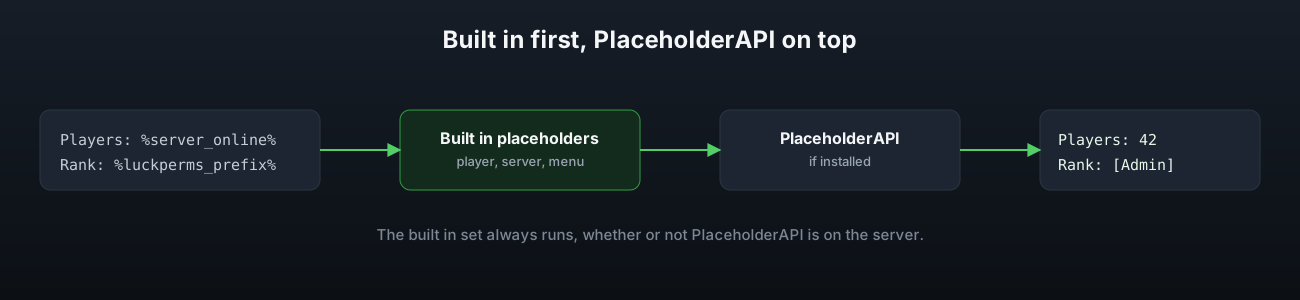
These work in any menu text with no setup, whether or not PlaceholderAPI is installed.
| Placeholder | Value |
|---|---|
%player_name% | The player's name |
%player_displayname% | Their display name, plain text |
%player_uuid% | Their UUID |
%player_world% | The world they are standing in |
%server_online% | Players currently online |
%menu_id% | The id of the menu being drawn |
%page_id% | The id of the page being drawn |
%page_label% | The sidebar label of the page being drawn |
content:
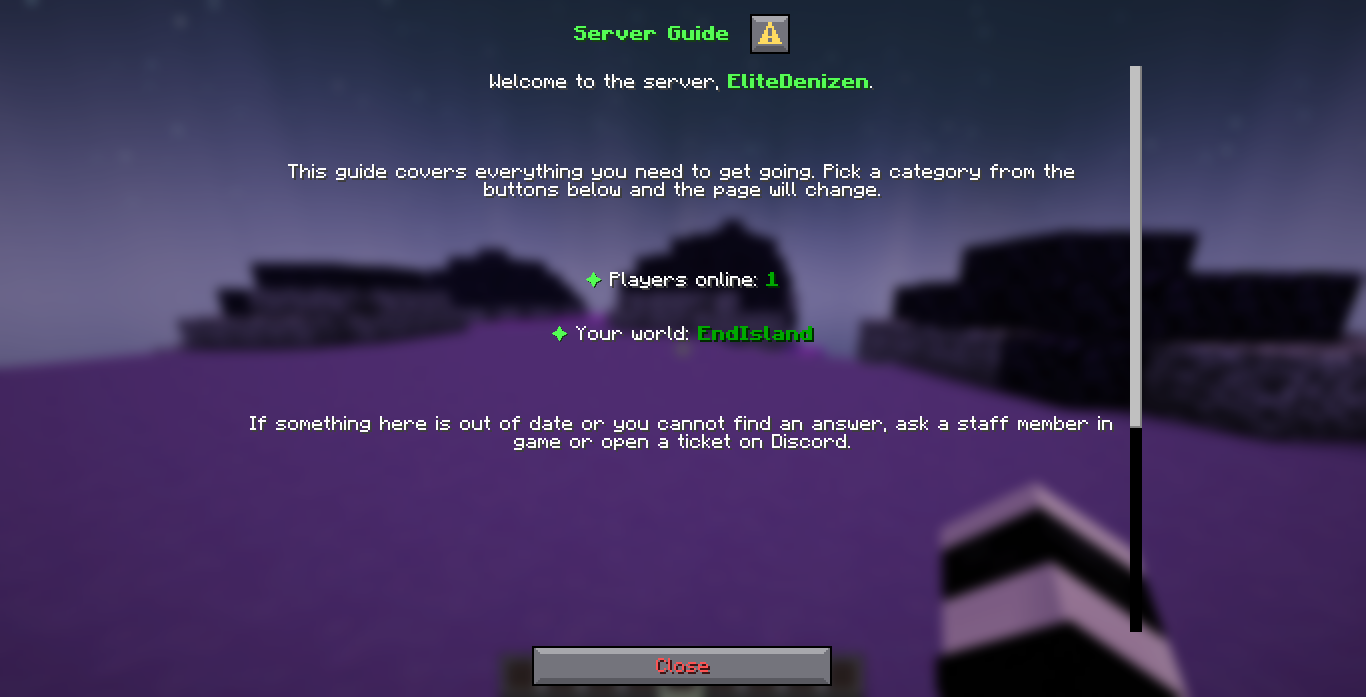
  - '<white>Welcome, <green><bold>%player_name%</bold></green>.</white>'
  - '<white>Players online:</white> <dark_green><bold>%server_online%</bold></dark_green>'
Those three lines are the Welcome page of the shipped guide, and this is what a player called EliteDenizen sees:
$(input_key) is a related but different thing: it reads back a value the player just typed
into an input on the same page, and only works inside an action, not inside content. See
Inputs & actions.
PlaceholderAPI
If PlaceholderAPI is installed, every expansion already on the server works in menu text as well, with nothing to configure. DialogForge logs one line on startup once it detects PlaceholderAPI so you know it is being used.
What other plugins can read from DialogForge
DialogForge also registers its own PlaceholderAPI expansion, identifier dialogforge, so
another plugin, or a menu belonging to a different system entirely, can read where a player
currently is:
| Placeholder | Value |
|---|---|
%dialogforge_menu% | The menu currently open, empty if none |
%dialogforge_page% | The page currently open, empty if none |
%dialogforge_last_menu% | The last menu they had open this session |
%dialogforge_last_page% | The last page they had open this session |
This needs PlaceholderAPI installed, the same as reading any other plugin's expansion does.