
Permissions
The three permission nodes, what each one grants and who has it by default.
Emberstore has three permission nodes. Players can use the store without any setup, and operators get the admin side.
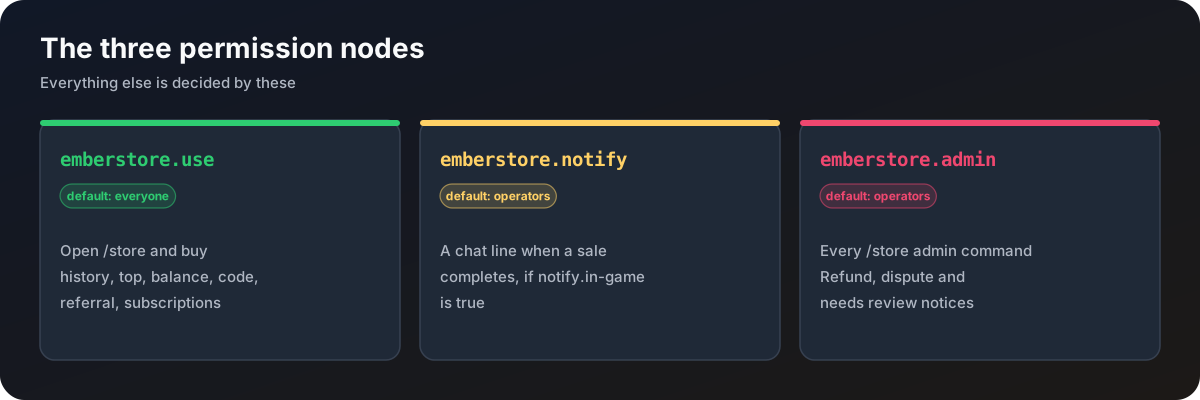
| Node | Default | Grants |
|---|---|---|
emberstore.use | everyone | Open /store, buy things, and use /store help, history, top, balance, code, referral and subscriptions |
emberstore.notify | operators | A chat line whenever a sale completes, while notify.in-game is true |
emberstore.admin | operators | Every /store admin command, and the refund, dispute and needs review notices |
Good to know
- The help pages only list commands the viewer may use, so normal players see a short page and admins see the admin pointer at the end of it.
- Admin notices are always sent to
emberstore.admin. Only the sale line can be turned off, withnotify.in-game. - To stop someone buying, deny
emberstore.use. They then cannot open the store at all.
With LuckPerms, for example:
/lp group mod permission set emberstore.notify true
/lp group admin permission set emberstore.admin true