
Installation
Requirements, step by step install and the first run of MoneyRace
Need the file first? See Download.
Requirements
| Need | Details |
|---|---|
| Server | Spigot or Paper, Minecraft 1.21 and newer. One jar works on all of them |
| Java | 21 or newer |
| Vault | Optional, but install it if you want shops and other plugins to see MoneyRace money |
| PlaceholderAPI | Optional, for placeholders in scoreboards, tab and holograms |
| WorldGuard | Optional, adds the moneyrace-vault and moneyrace-points region flags |
Storage is SQLite out of the box. MySQL is supported for networks, see Storage.
Install
Add the jar
Put the MoneyRace jar in your plugins folder. Add Vault as well if you do not have it.
Restart the server
Use a full restart. Do not use /reload or a plugin manager for the first start.
Run the setup wizard
Join as an op. You will get a message about the wizard. Run /moneyrace admin setup.
Choose your settings
The wizard asks for the mode (SEASON for a public server, EVENT for an admin run event), the team size, the starting balance, whether team vaults are on, and which main events are on.
Click Finish
The wizard writes your choices into config.yml and events.yml and reloads the plugin.
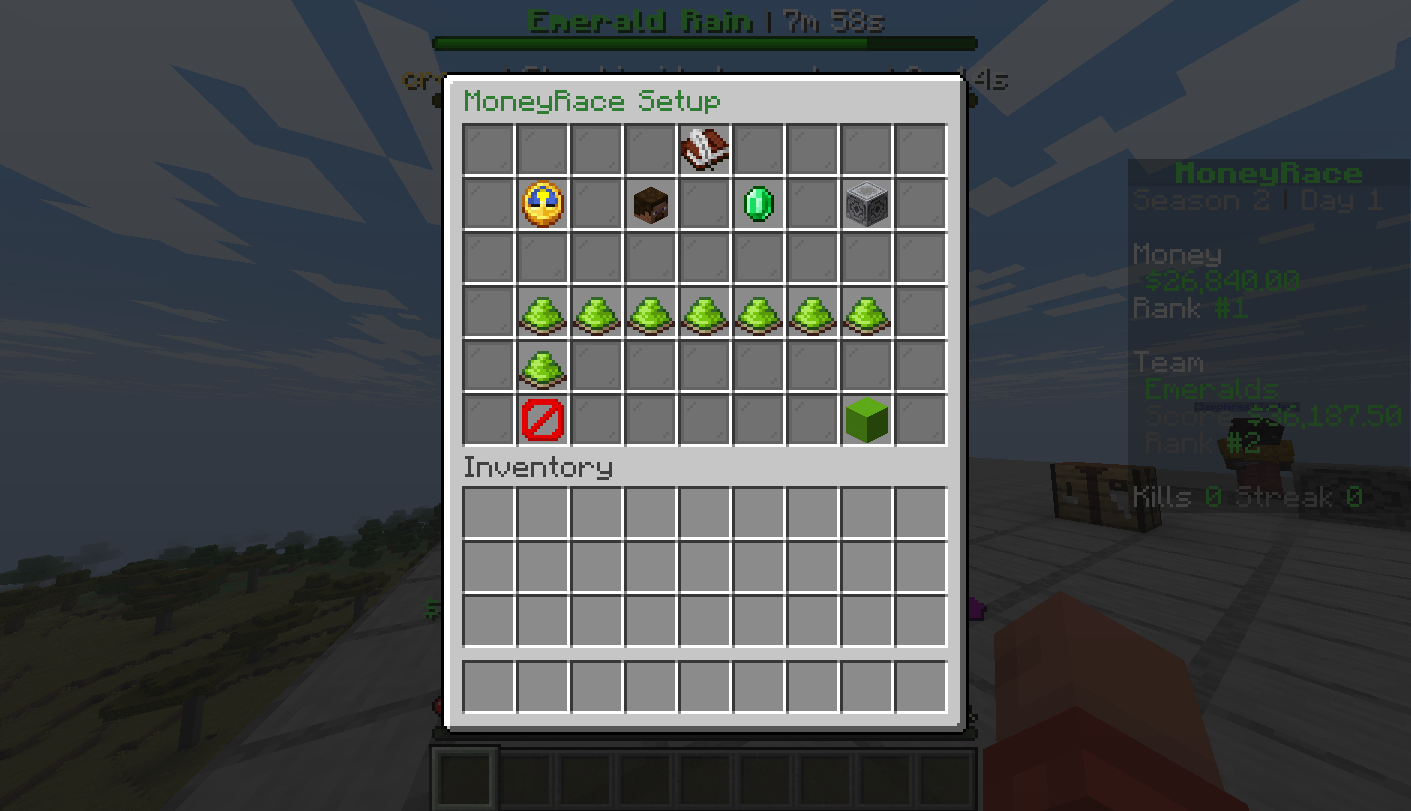
Already set it up by hand? Run /moneyrace admin setup done or click Skip, and admins stop getting the reminder.
What is in the plugin folder
| File | What it holds |
|---|---|
config.yml | Main settings: mode, economy, kills, teams, vaults, seasons, HUD |
events.yml | World events, capture points, altars and main events |
items.yml | Banknote, wand, kits, vault blocks and ritual items |
menus.yml | Menu layouts, for advanced changes |
lang/ | Every message players see |
data.db | The SQLite database |
Optional integrations
- Vault. With the default economy setting, MoneyRace becomes the Vault economy and shop plugins use it.
- PlaceholderAPI. Gives you
%moneyrace_...%placeholders. See Placeholders. - WorldGuard. Lets you stop vaults being placed in a region such as spawn. See Storage and WorldGuard.