Stats and Leaderboards
Player stats are saved automatically. Players can open their own stats and a server leaderboard in game.
What gets tracked
Each player has a running record:
| Stat | Meaning |
|---|---|
| Wins | Matches won |
| Kills | Rivals you shattered |
| Deaths | Times you were eliminated |
| K/D | Kills divided by deaths |
| Win rate | Wins divided by matches played |
| Territory claimed | Total ground claimed across all matches |
| Average territory | Territory per match |
| Longest streak | Best run of wins in a row |
| Time played | Total time in matches |
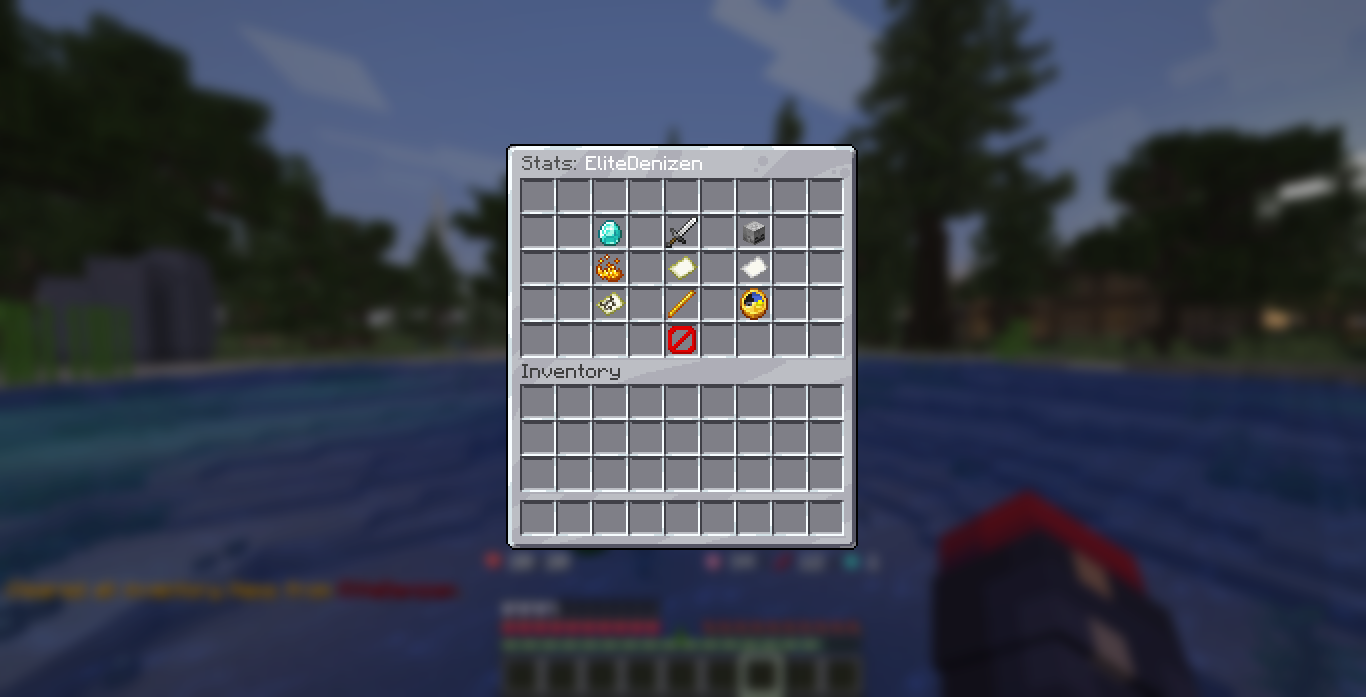
Stats screen
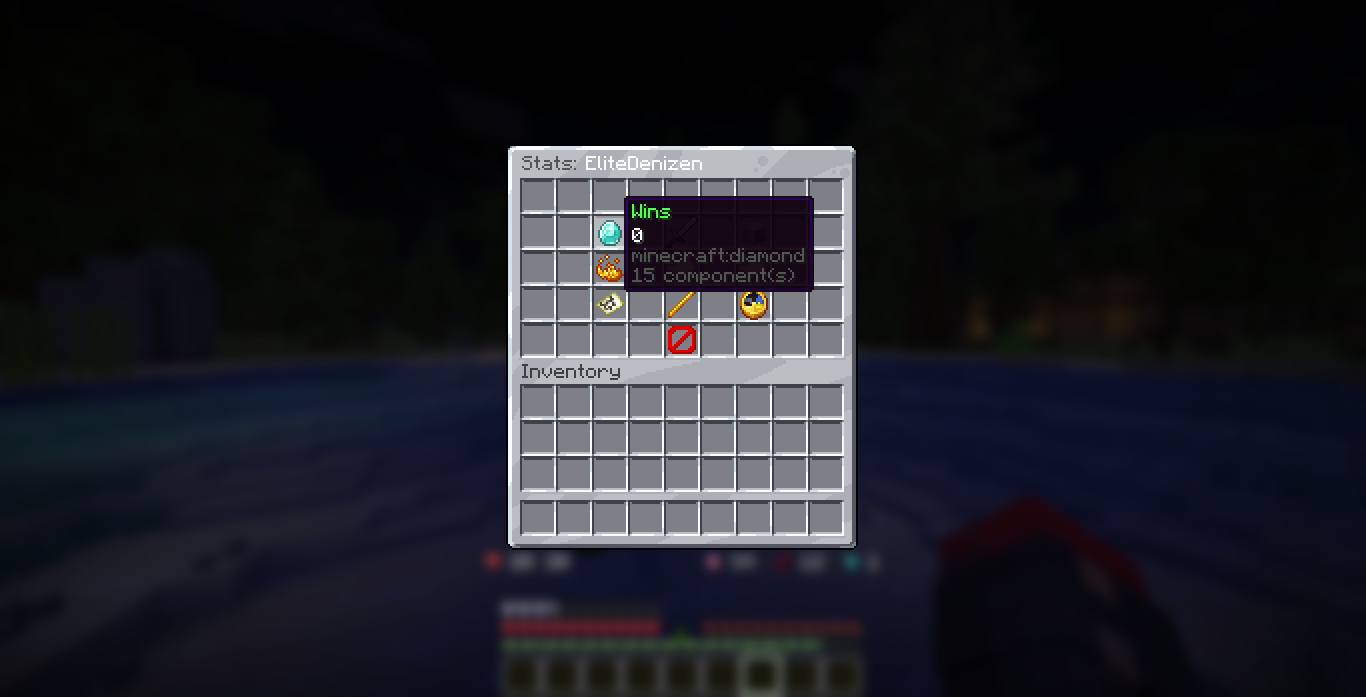
Players open their own stats, or someone else's, with a command:
This opens a menu with the numbers above.
Leaderboard
The server-wide ranking opens with:
The leaderboard can rank players by different categories. A button in the menu cycles the ranking:
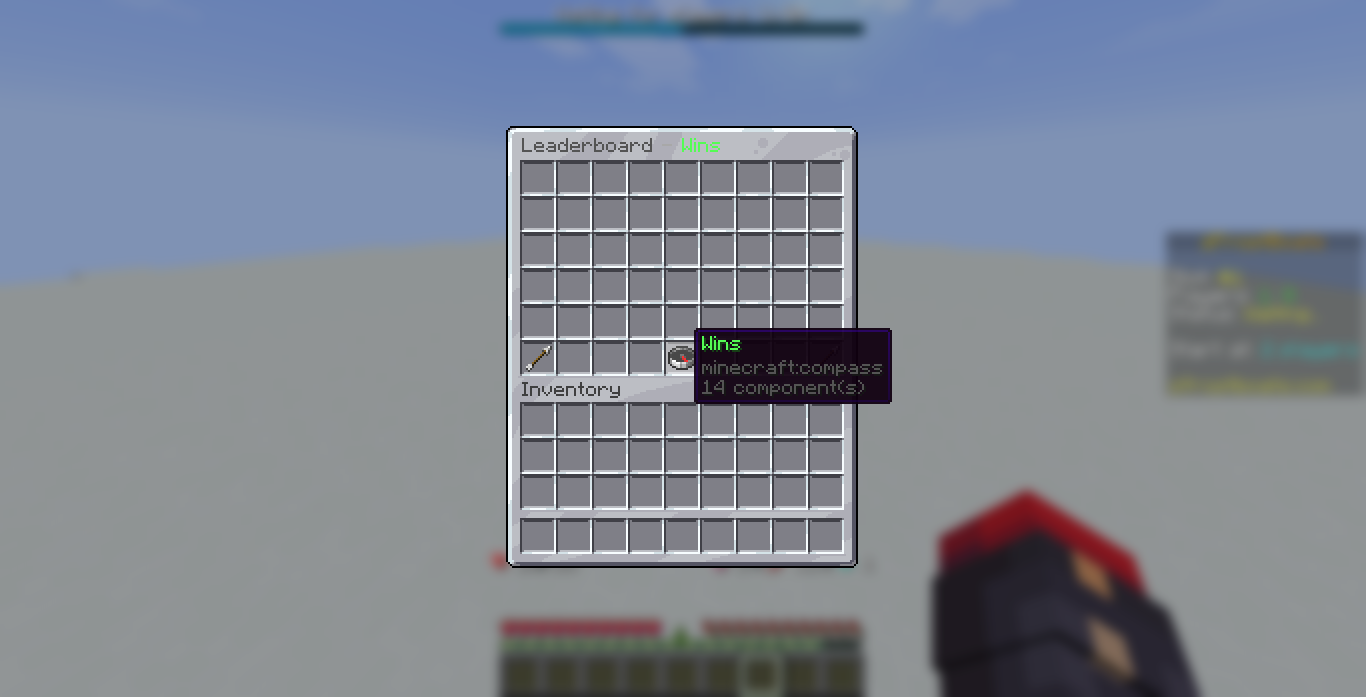
| Category | Ranks by |
|---|---|
| Wins | Most wins |
| Kills | Most kills |
| Territory | Most territory claimed |
| Win rate | Highest win rate |
Aliases
/zfb top and /zfb leaderboard do the same thing.
Where stats are saved
Stats are saved to a database so they survive restarts. By default this is a single local file (SQLite), with no setup needed. If you run several servers and want them to share one set of stats, you can switch to MySQL.
See the Storage page for how to set that up.
Saving is automatic and safe
All stat reads and writes happen in the background, so they never slow down the game. You do not need to do anything to turn saving on.
Show stats anywhere
If you have PlaceholderAPI, you can put any of these stats, the live match info, and the top players on scoreboards, in chat, in tab, and in holograms. See the Placeholders page for the full list.