
Resource pack
The free zLifeSteal texture pack and how to give hearts and beacons custom textures.
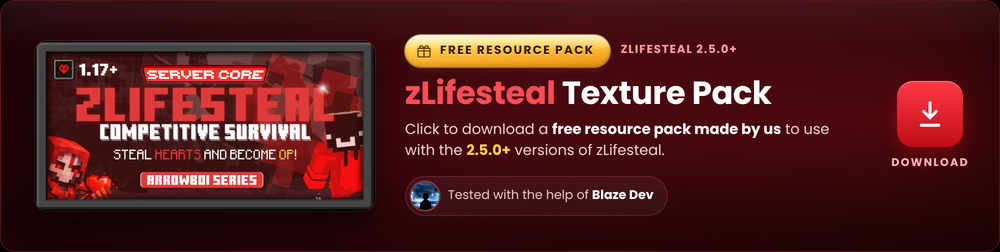
zLifeSteal items use plain Minecraft materials by default (redstone for a heart, a gold nugget for a golden heart, a beacon for the revive beacon). With a resource pack and custom model data, those items can show their own textures instead.
The free pack
The team made a free texture pack for zLifeSteal. It is tested with help from Blaze Dev and works with version 2.5.0 and newer of the plugin on Minecraft 1.17 and up.
The pack is optional. The plugin runs fine without it. The pack only changes how the items look.
How custom textures work
The plugin uses custom model data to tell the client which texture to show. Every
configurable item supports a custom-model-data value:
0means custom model data is off and the item uses its plain material look.- Any value above
0tells a resource pack to swap in a custom texture.
These items support it:
| Item | Config key |
|---|---|
| Heart | heart-item.custom-model-data |
| Golden heart | golden-heart-item.custom-model-data |
| Revive beacon | revive.beacon-item.custom-model-data |
| Custom hearts | custom-hearts.<id>.item.custom-model-data |
| GUI items | the custom-model-data field in guiconfig.yml |
The pack and the config must agree on the same numbers. The pack maps a model data value on a base material to a texture, and your config sets that same value on the matching item.
Setting it up
Serve the pack to players
Host the zip and point your server's server-resource-pack setting (in
server.properties) at the link, or hand the zip to players to load locally.
Set the model data in the config
Set the custom-model-data values in config.yml, custom-hearts.yml, and
guiconfig.yml to match the values the pack expects. The comments in the config
suggest example values like 10001, 10002, and 10003.
Reload
Run /ls reload so the new item textures take effect.
Consume effects
When custom-model-data is above 0, consuming a heart or golden heart also
plays extra effects: a spinning heart pop animation, colored particles, and a
sound. These are off when custom model data is 0. Tune them under
consume-effects in config.yml.
The pop animation shows the heart's own texture during the consume effect, so it only looks right when you have the resource pack loaded.