History & Lookup
Every punishment is logged forever. These tools let you read that record from any angle.
A player’s history
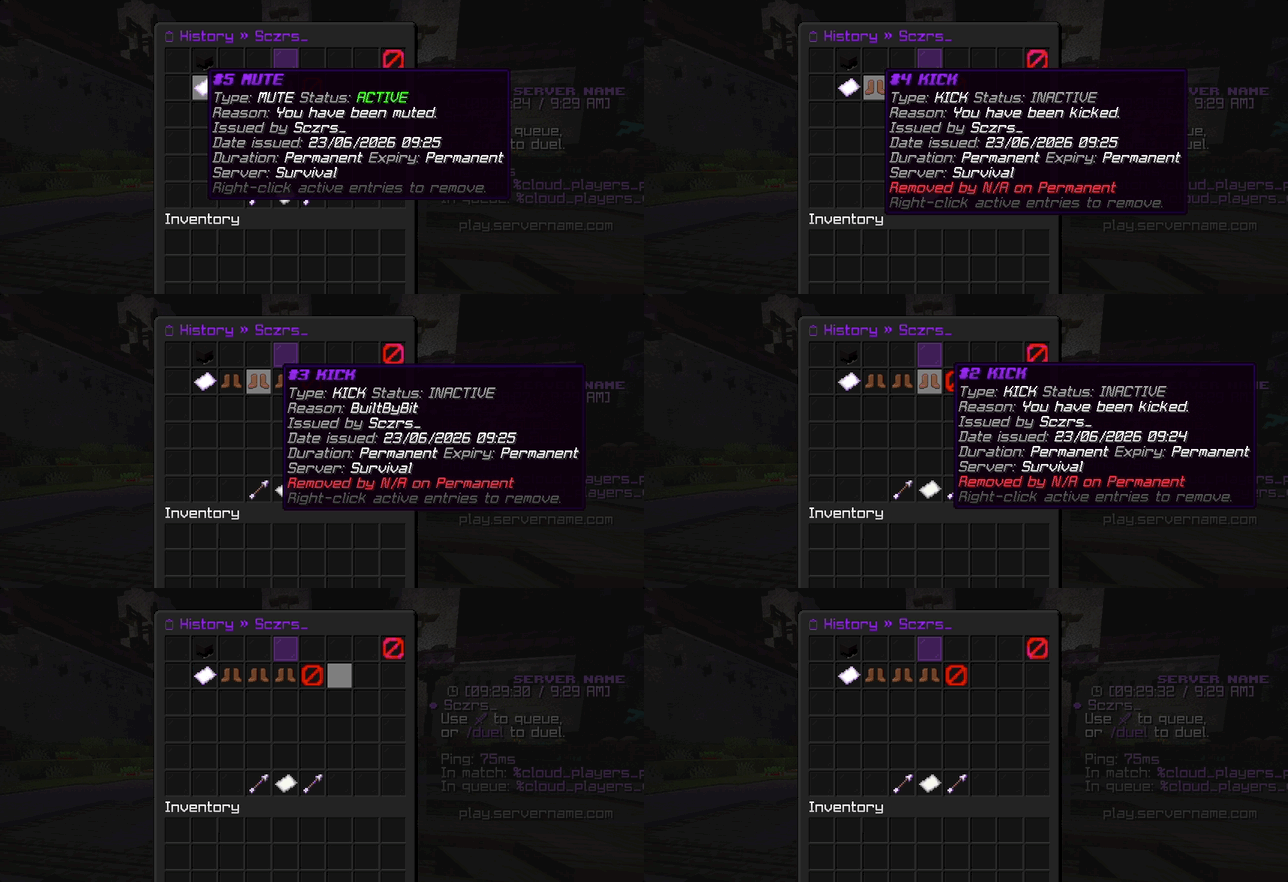
/history <player> [page]Shows everything that ever happened to a player: bans, mutes, kicks, and warns, active or not, including silent ones. In-game this opens a menu; from the console it prints as text.
| Command | What it shows |
|---|---|
/history <player> | Full history for one player |
/iphistory <player|ip> | History linked to an IP address |
/staffhistory <staff> | Every punishment a staff member has issued |
/staffhistory is great for reviewing a team member’s actions, or for cleaning up after a staff
member leaves. In-game it opens a menu where you can remove entries.
Look up a player
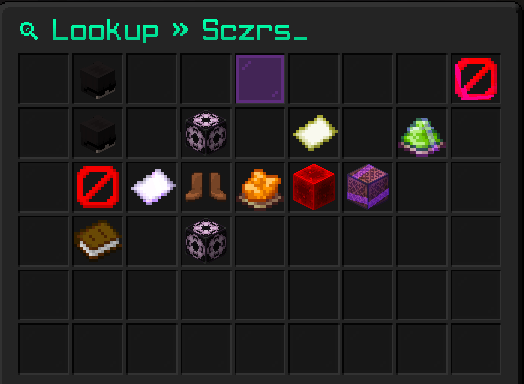
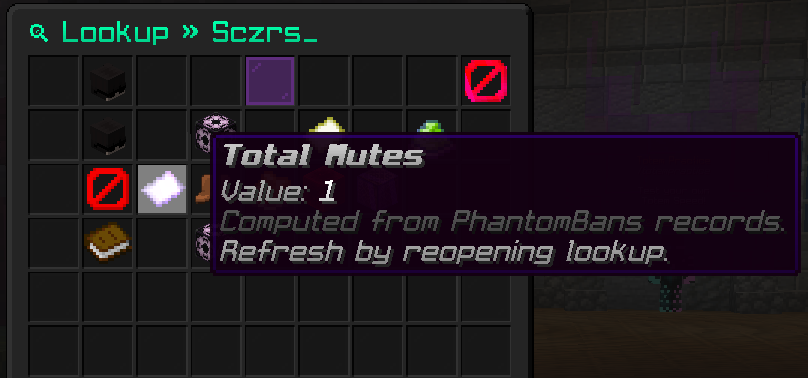
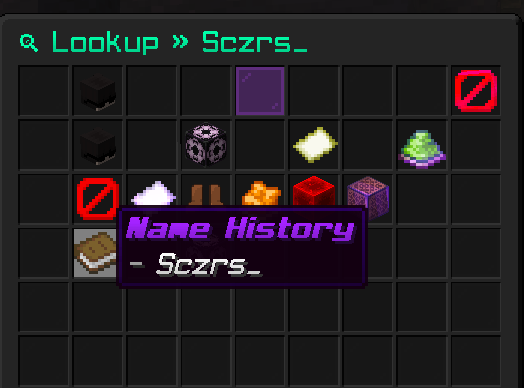
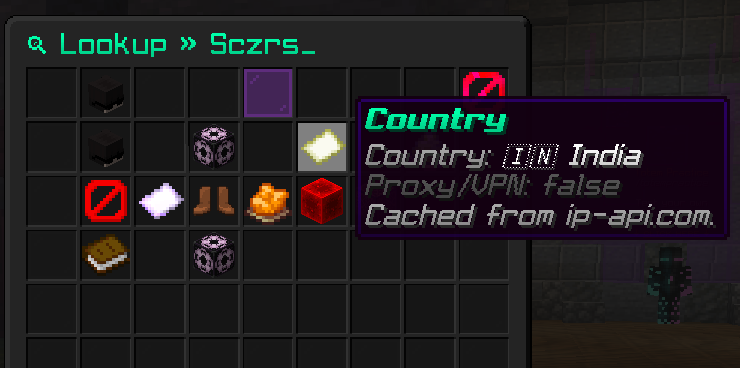
/lookup <player>A quick summary card for a player: their risk score, how many bans, mutes, and warns they have, how many alt accounts share their IP, and which country they joined from.
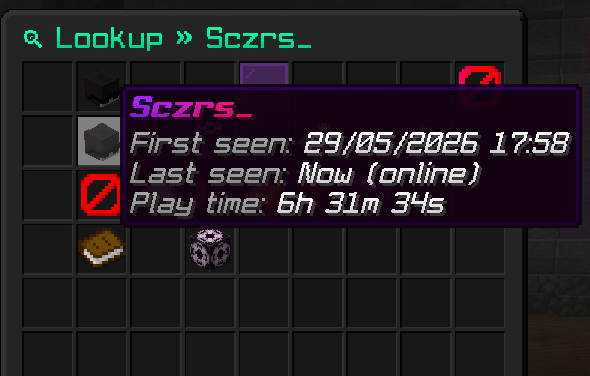
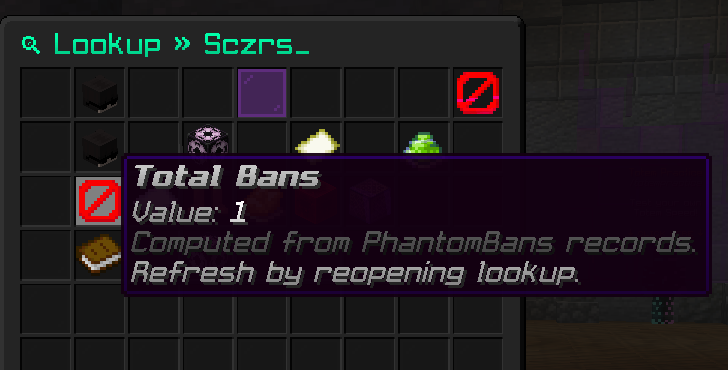
Hover any entry on the card for the detail behind it:
Find alt accounts
/alts <player>Lists other accounts that share an IP with this player. See Alt Detection & GeoIP for how this works and how to act on it.
Active lists
When you want to see who is currently punished rather than one player’s record:
| Command | Lists |
|---|---|
/banlist [page] | Everyone currently banned |
/mutelist [page] | Everyone currently muted |
/warnlist [page] | Everyone with active warnings |
Quick checks
For a yes or no answer without opening the full history:
| Command | Answers |
|---|---|
/checkban <player> | Is this player banned, and why? |
/checkmute <player> | Is this player muted, and why? |

Risk score, alt counts, and country come together on the lookup card to help you judge a new or suspicious player fast.