Requirements, how to install the plugin, and how to build your first arena.
Requirements
| Requirement | Notes |
|---|---|
| Server software | Spigot or Paper |
| Minecraft version | 1.16.5 |
| Java | 8 or newer |
| PlaceholderAPI | Optional. Needed only for scoreboard placeholders and external placeholders. |
The plugin has no hard dependencies. It runs on plain Spigot.
Install
- 1
Stop the server
Shut the server down fully before adding the jar.
- 2
Drop in the jar
Move the plugin jar into your server's
plugins/folder. Get the jar from the Download page. - 3
Start the server once
Start the server so the plugin generates its config files, then you can edit them.
- 4
Set the global spawn and lobby
Stand where players should return to after a game and run the setup commands below.
- 5
Build an arena
Create an arena, mark its region, set its spawns, and save it. Then join and play.
- 1
Create the arena
Pick a type:
tnt_run,tnt_tag, orbow_spleef./tt create <name> <type> - 2
Get the wand and mark the region
The wand marks the two corners that define the arena's build region (used for regeneration).
/tt wand /tt setcorner1 <arena> /tt setcorner2 <arena> - 3
Set the spawns
Set the in-game spawn and the waiting lobby for this arena.
/tt setspawn <arena> /tt setlobby <arena> - 4
Save the region
Save the arena blocks so the plugin can regenerate the map after each round.
/tt save <arena> - 5
Check what is missing
Run the status check. It lists any step still needed before the arena can open.
/tt setupstatus <arena> - PlaceholderAPI: install it to use the scoreboard placeholders and expose TNTGamesCore stats to other plugins. See Placeholders.
- Configuration: tune games, items, and the countdown.
- Commands: the full command list.
- Features: how each game plays and what you can set.
:::
Plugin folder layout
After the first start you get:
plugins/
  TNTGamesCore/
    config.yml       Game settings, selector and leave items, countdown, database
    messages.yml     Every player-facing message
    scoreboard.yml   Scoreboard layouts per game and state
    stats.db         Player stats (created when using SQLite, the default)
    arenas/          Saved arena regions and settings
See Configuration for what each file controls.
Set the global spawn and lobby
These are server-wide, not per arena. Players fall back to the global spawn when they leave a game.
/tt setgspawn     Set the global spawn (where players go after a game)
/tt setglobby     Set the global lobby
Warning
If neither the global lobby nor the global spawn is set, players leaving a game fall back to the world spawn, and the console warns you to run /tt setglobby and /tt setgspawn. Set both before opening to players.
Build your first arena
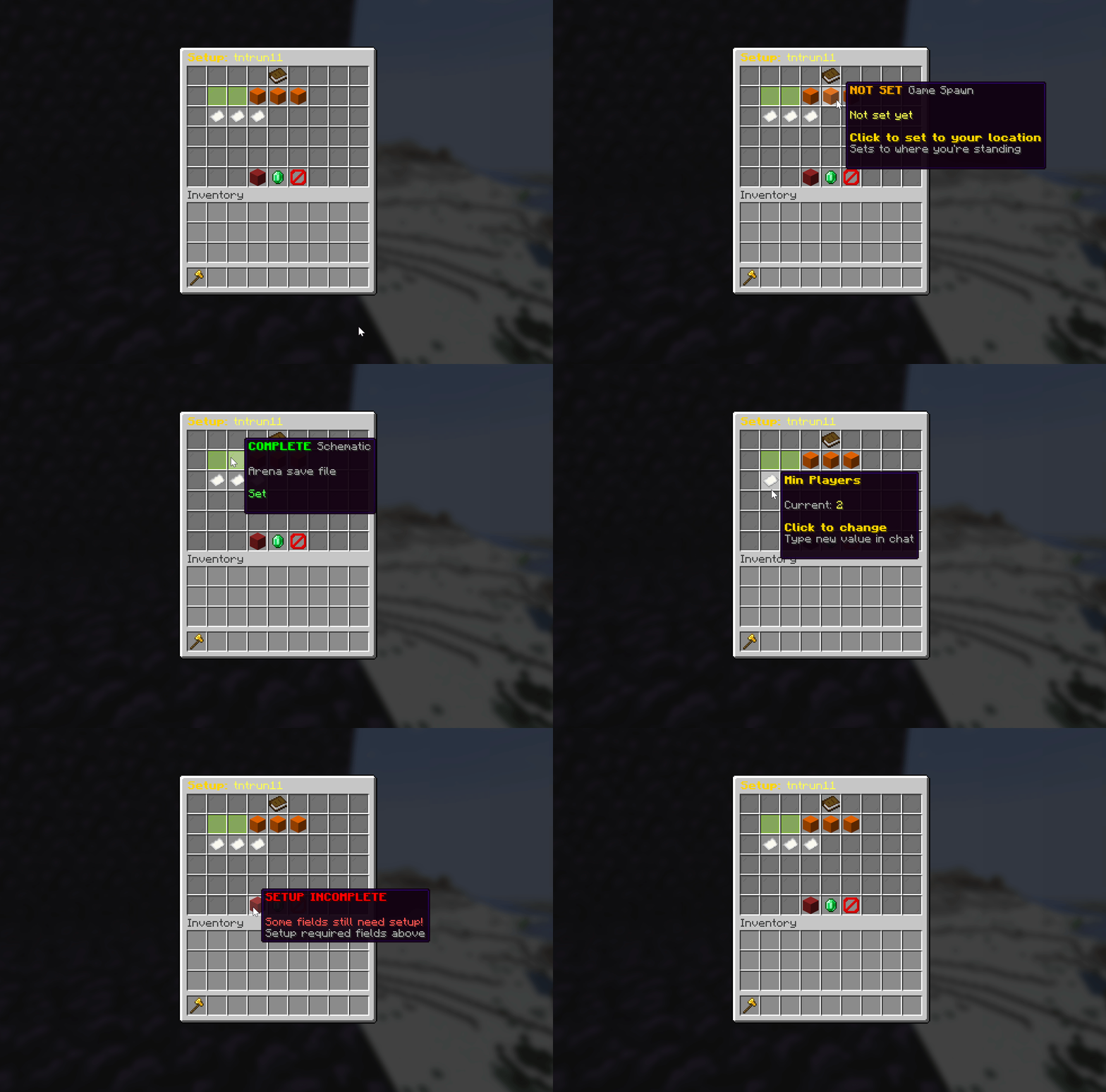
You mark the arena region with a wand, set the spawn points, then save. /tt setupstatus tells you what is still missing at any point.
:::
Tip
Prefer a menu? Run /tt setup <arena> to open the setup GUI, or /tt quicksetup <name> <type> for a faster path. Each game type has a few extra settings (timer, taggers, floor block, game mode). See that game's feature page and the Commands reference.
The wand flow, step by step
The wand gives you a guided path from an empty world to a playable arena.
Step 1: get the wand. Type /tt wand to receive the creation tool. Instructions appear in chat.
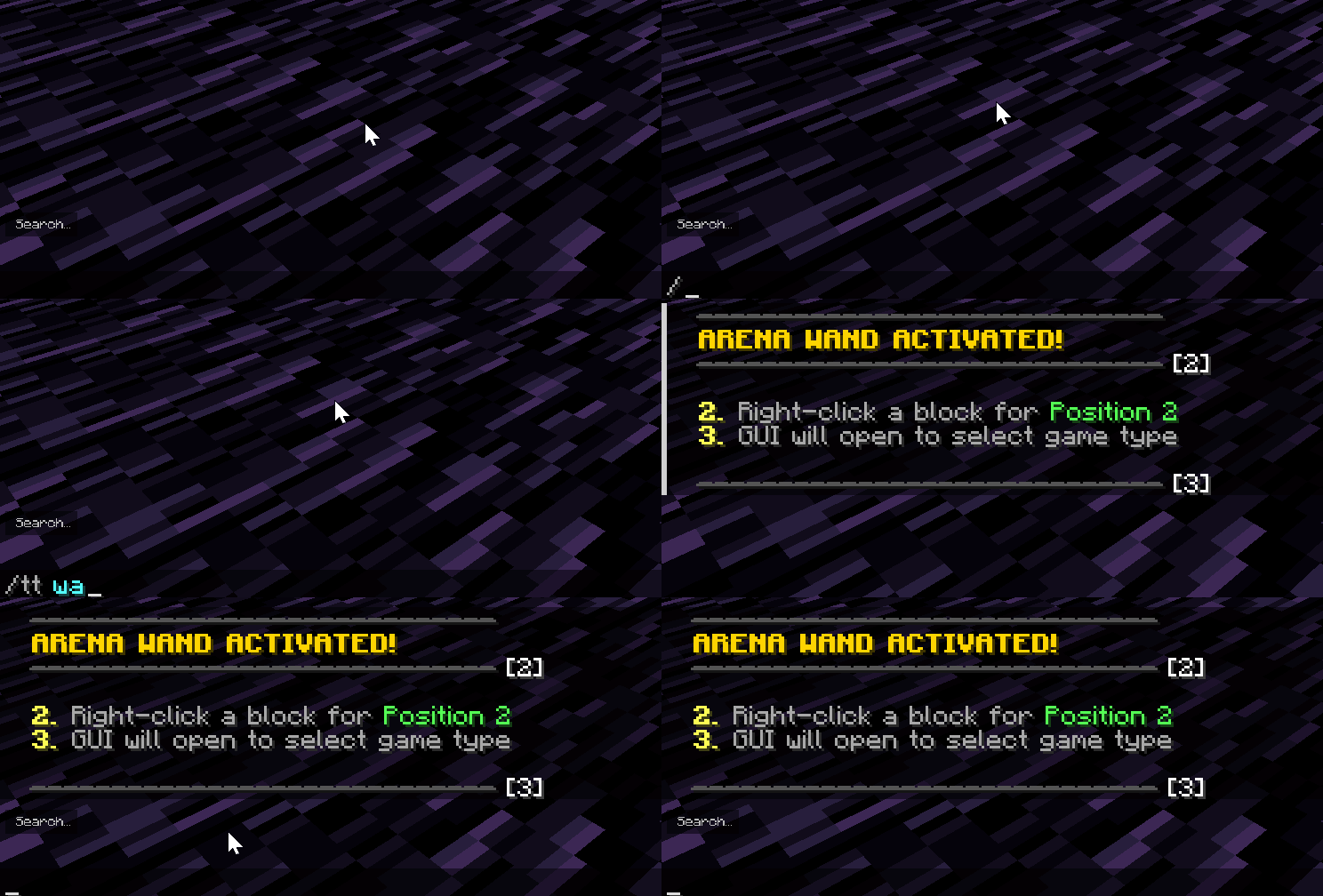
Step 2: mark the boundaries. Click the two corners to define the arena region. A game selector then opens.
Step 3: pick a mode and name it. Choose a mode (for example TNT Run) and type an arena name in chat.
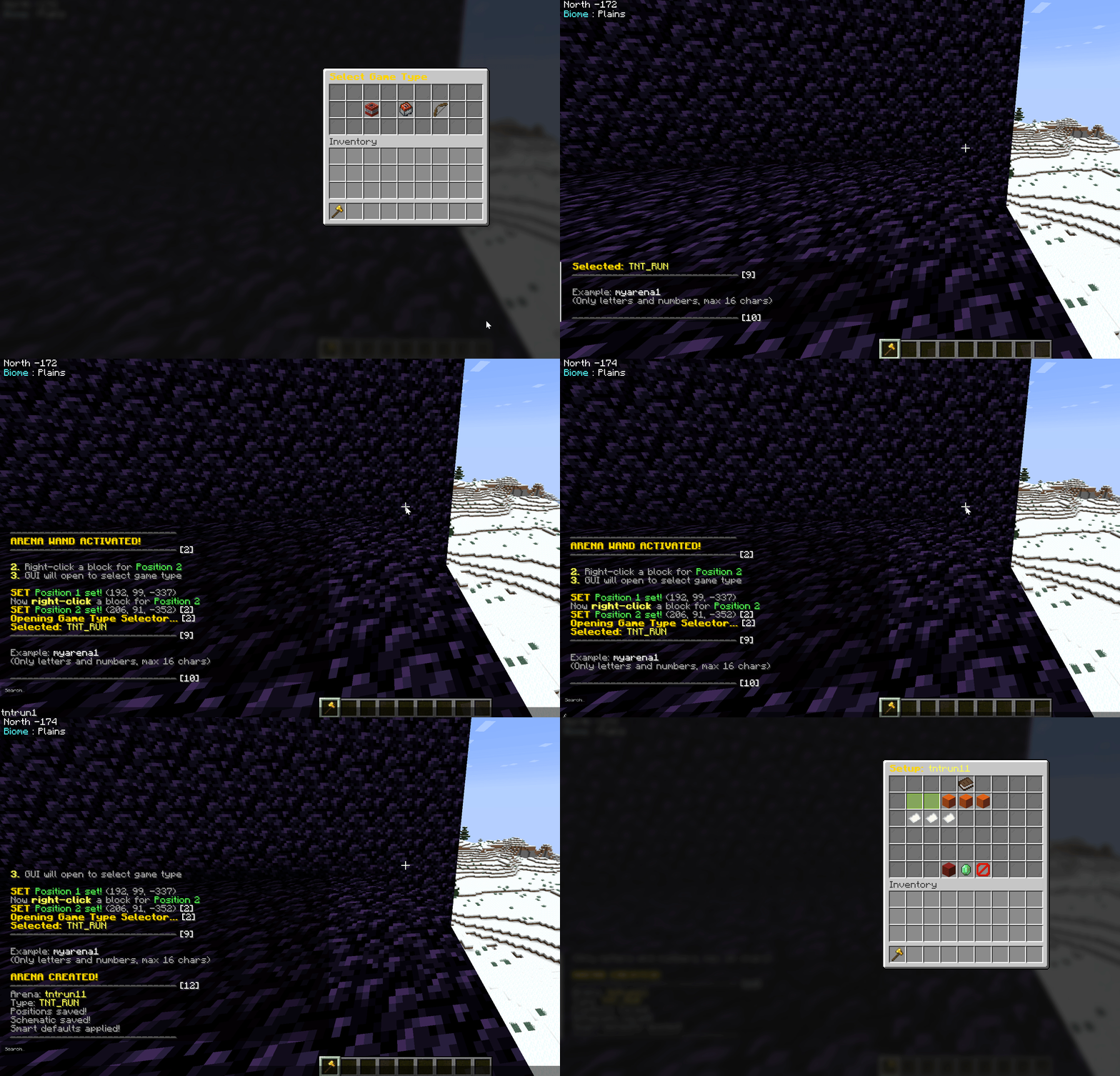
Step 4: final settings. The setup GUI opens for the last configuration: timers, player limits, and mechanics.