A compass item that opens a menu to pick a game, then an arena to join.
How it works
Players in the global lobby get a selector item (a compass by default). Right-click it to open a menu with the three games. Pick a game, then pick an arena from the next screen to join it. A leave item (an oak door by default) sends players back out of a game.
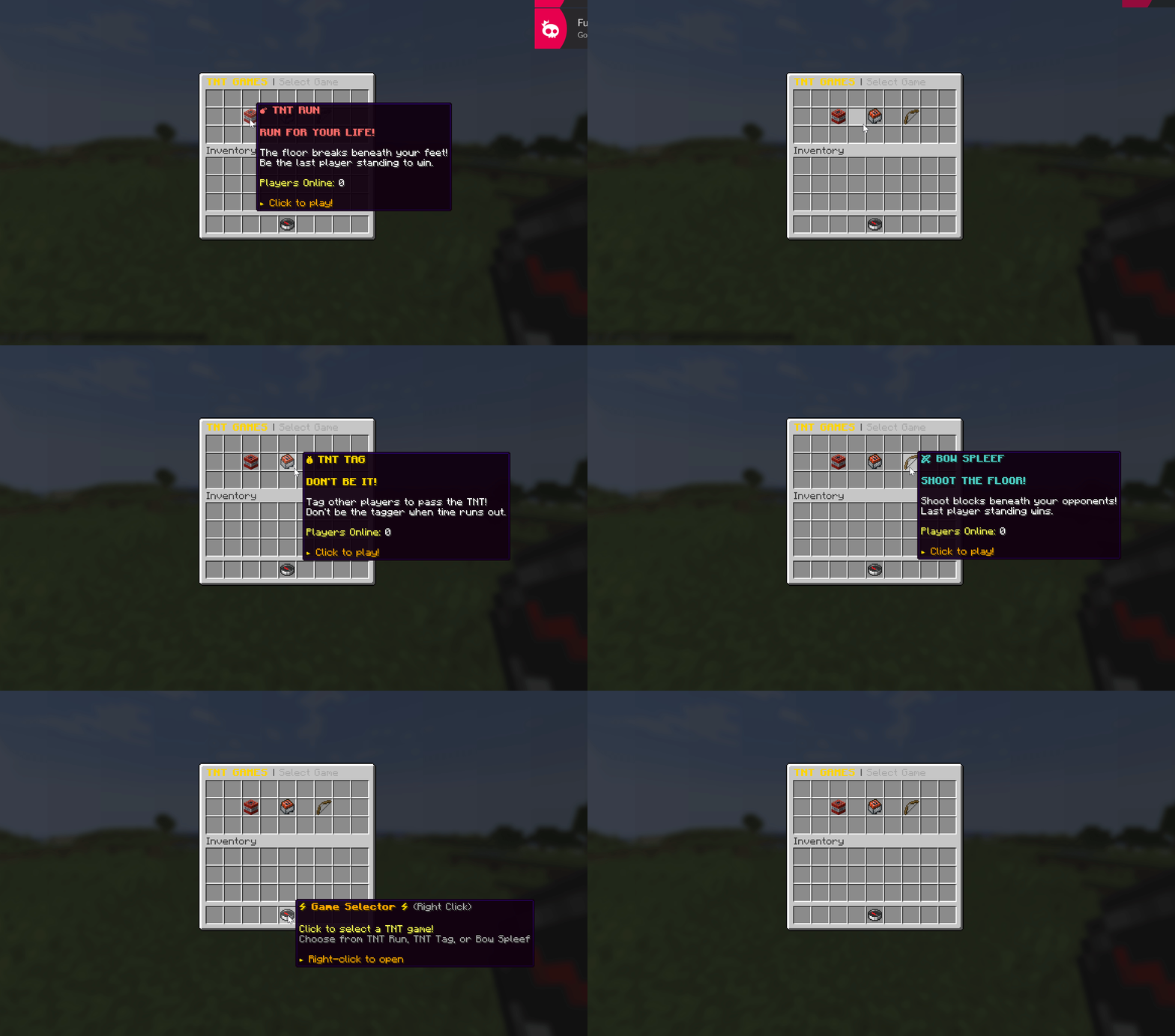
By default the plugin teleports players to the global lobby on join and hands them the selector there.
Items
Both items are defined in config.yml. You can change the material, name, lore, and hotbar slot.
| Item | Default material | Default slot | Config key |
|---|---|---|---|
| Selector | COMPASS |
4 | selector-item |
| Leave | OAK_DOOR |
8 | leave-item |
The menu titles are set under gui:
gui:
  title: '&#FFD700&lTNT GAMES &8| &7Select Game'
  arena-selector-title: '&#FFD700&lSelect Arena: &e{game}'
Each game's icon in the menu (material, name, and lore) is set under that game's block in the config, for example tnt-run.icon.
Lobby behaviour
Set under global-lobby in config.yml:
| Key | What it does | Default |
|---|---|---|
teleport-on-join |
Teleport players to the global lobby when they join the server. | true |
give-selector-on-join |
Give the selector item on join. | true |
Permissions
| Permission | Default | Grants |
|---|---|---|
tntgames.selector |
true | Use the selector item. |
tntgames.join |
true | Join games. |
See Permissions for the full list.
Tip
Placeholders in the icon lore like {players} show live player counts, so the menu tells people which games are busy before they join.
The arena picker shows which arenas are open and which are in a game, so players can read availability at a glance:

Related
- Configuration: item and GUI settings.
- Installation: setting the global lobby.